This blog will serve as a catch-up on how much has been worked on pre Nights & Weekends. The blog at seanwal.sh/blog/mybraryintroduction serves as a catch-up on the ideas for features that will be worked on, so without further ado, let's get on with it!
Dashboard
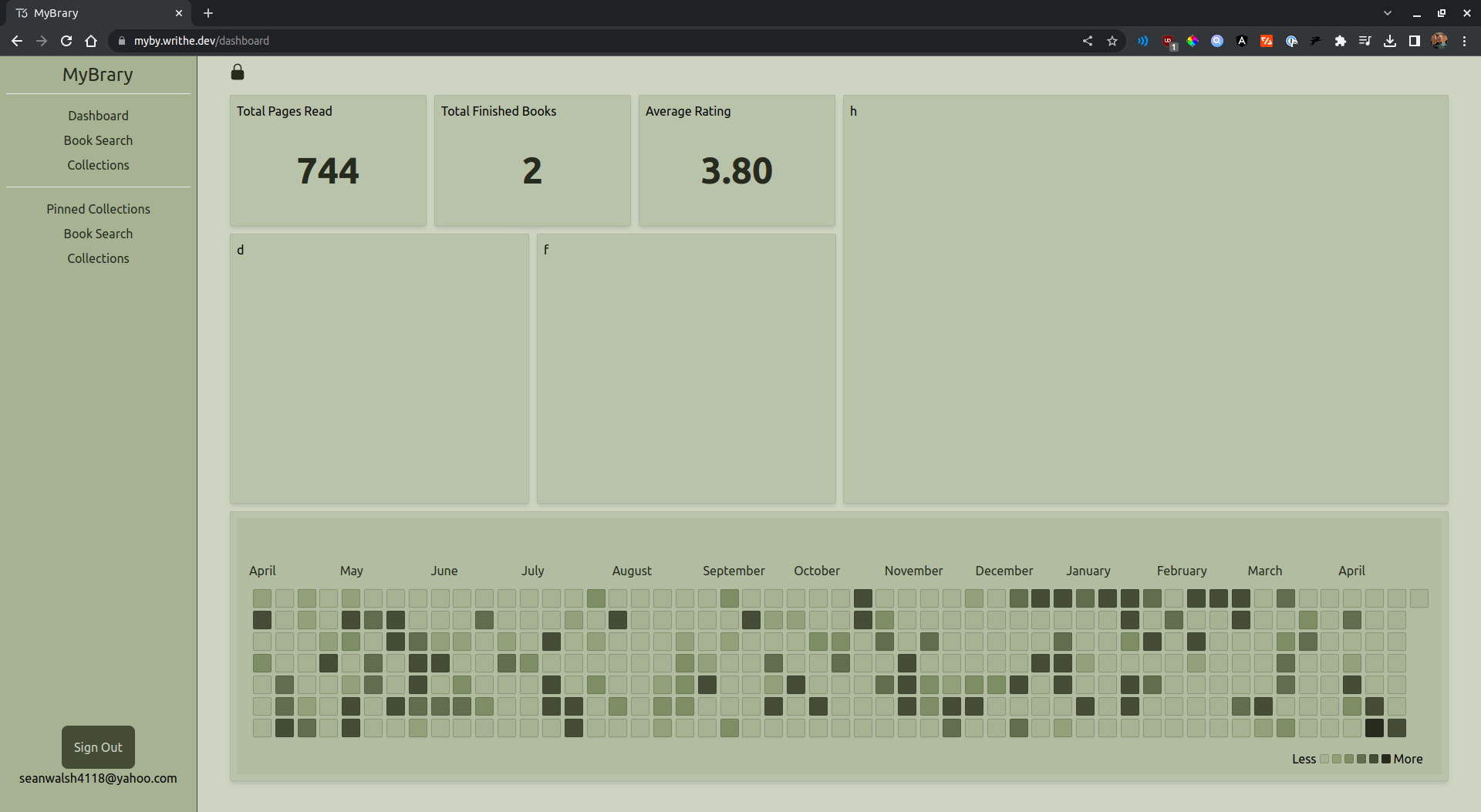
This is the look of the user's main collection dashboard. It consists of modules that contain data about the user's collection. The modules use react-grid-layout, which can be moved and positioned however the user would like. In the future, there will be more modules and the ability for the user to save their custom layout to visualize what data they want and in the format they want to see it.
- Want to see how many books you've read front and center? Done.
- Want to only have your book reading streak on proud display? Done.
Any and any combination and customization will be available to the user.
The Search Bar
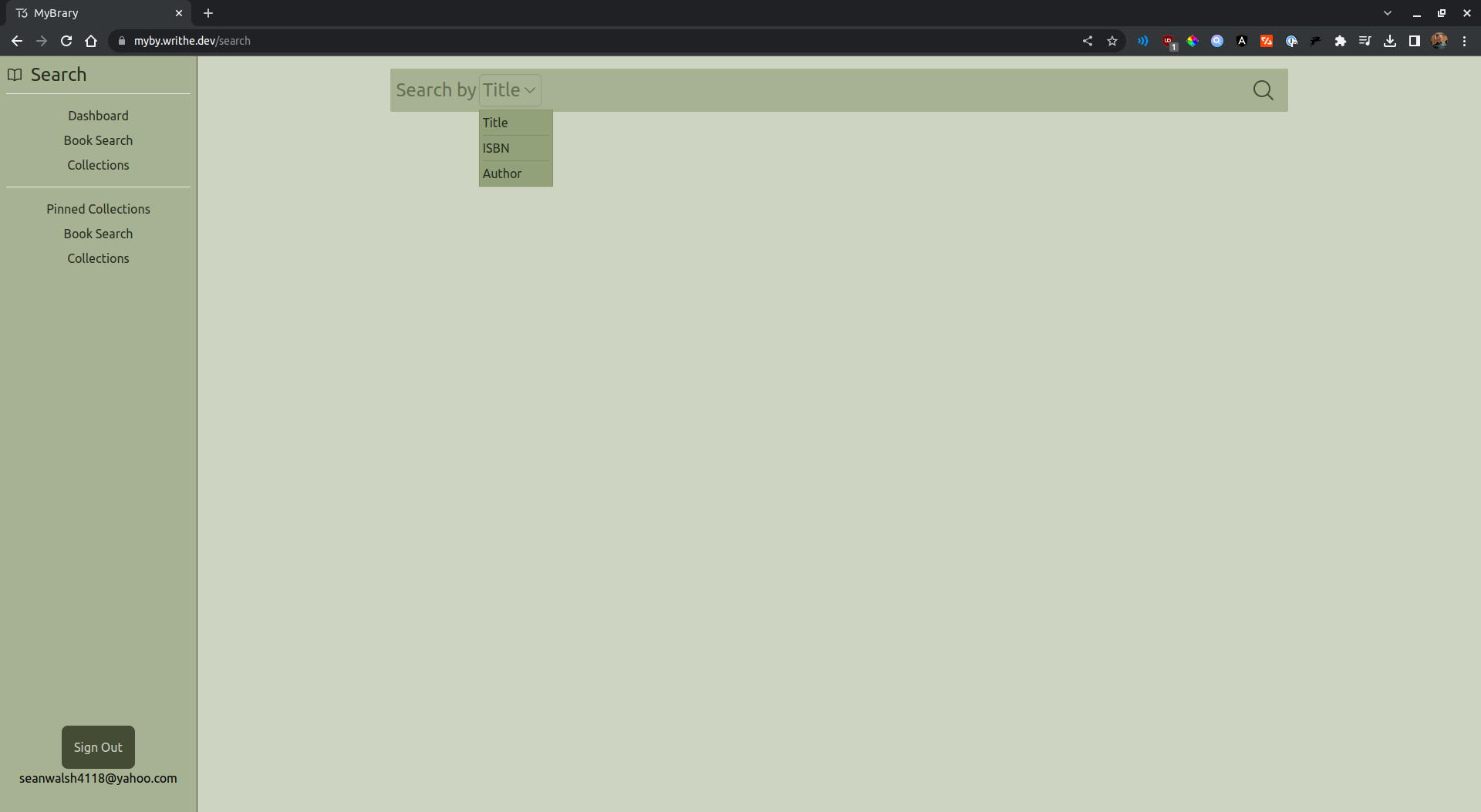
The search bar uses OpenLibrary's API for book fetching. Currently, you can search by ISBN 10 and Title (with the title being a fuzzy search so you can find things related to words, other titles, etc.) This is where you'll be adding most of your books to your collection from.
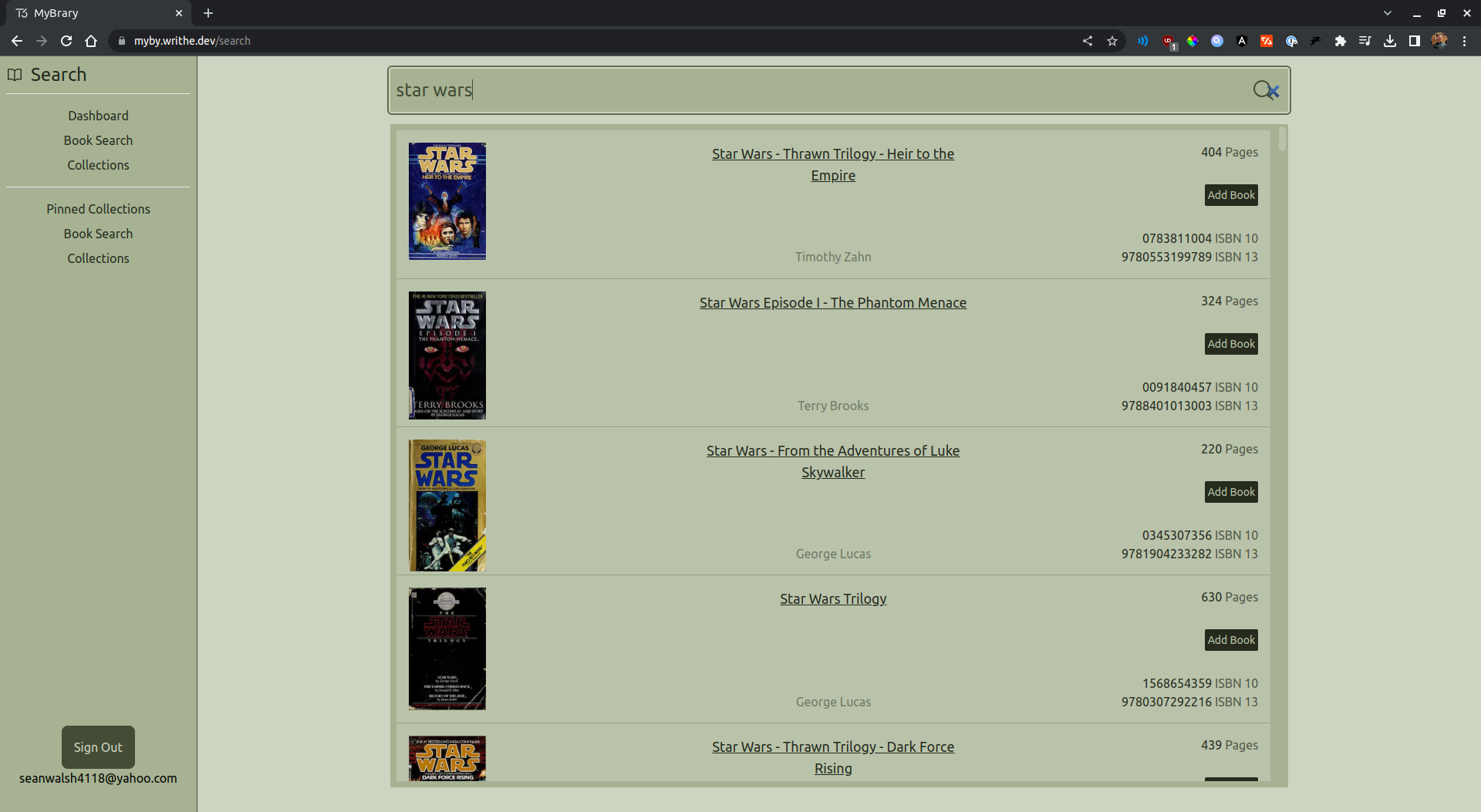
From here, you can see lots of data about the books you search for:
- Cover
- Author
- Number of pages
- ISBN numbers
All the data you need to match your IRL book with its MyBrary companion. After you've found your book, adding it to your collection is as easy as a press of a button!
Collection
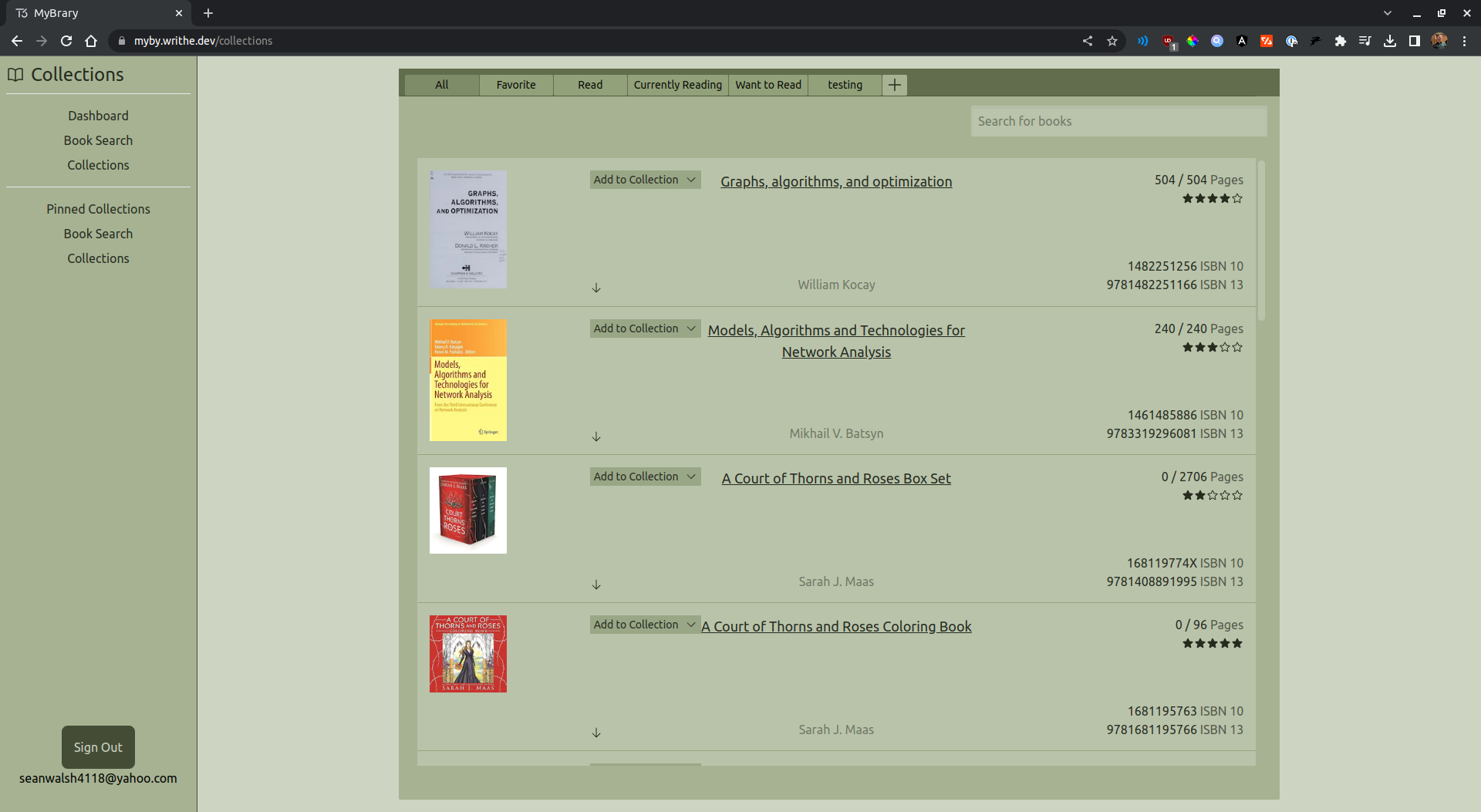
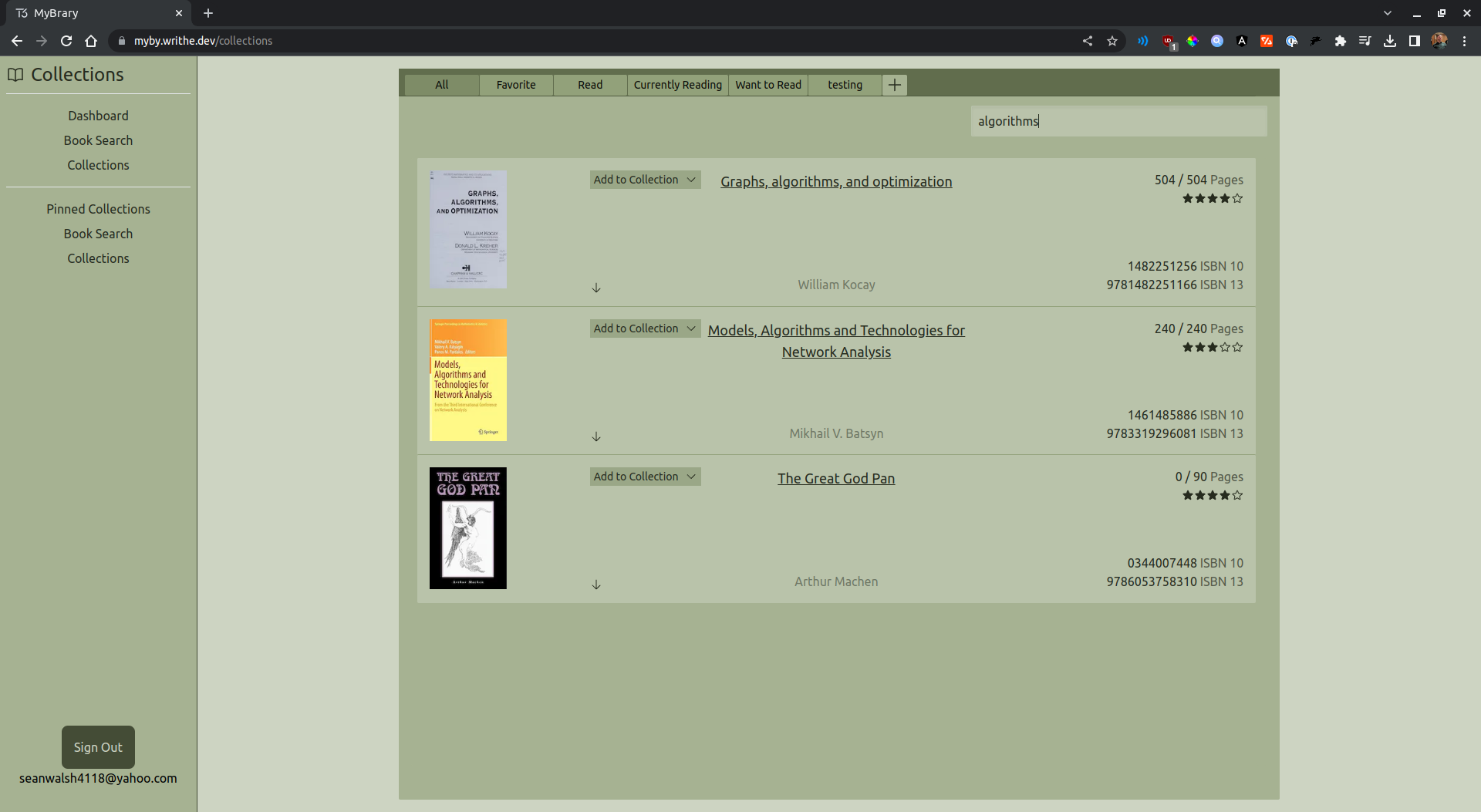
This is where a lot of the magic happens! Each of the tabs at the top makes up a collection. Theres 5 default collections, but any number of custom collections can be created. On the collections page you can:
- See attributes of books
- Rate books
- Update the amount of pages you have read in books
- Add books to other collections
- Search for books in your collection